

Appearance
Screen curving
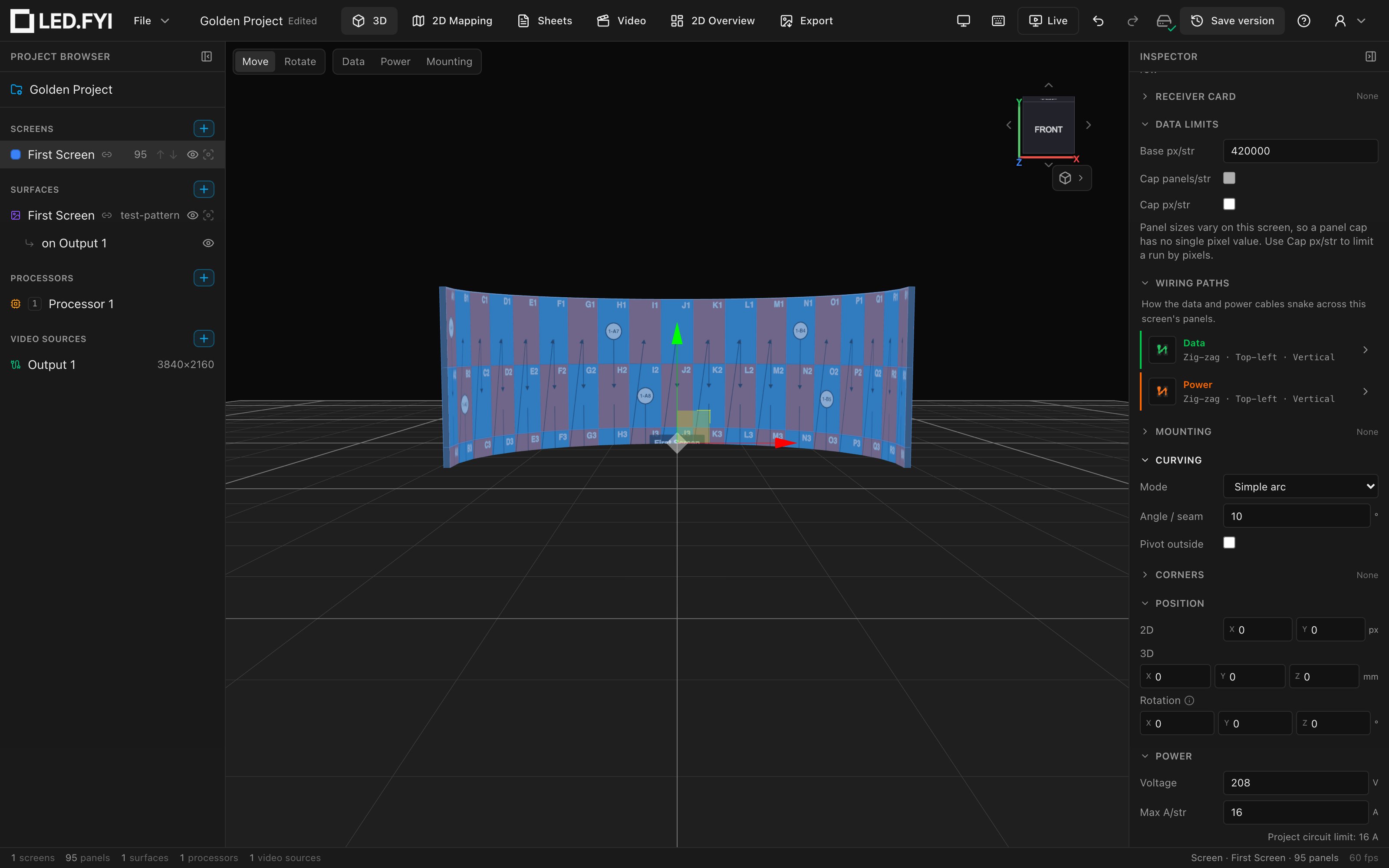
Curving bends a screen horizontally at the seams between panel columns: one angle per junction, exactly the way a real wall articulates. Columns rotate; rows stay flat. The 3D view, the side/top/iso elevation drawings, and the Curving Plan sheet all re-derive live as you edit.
Select the screen and open Inspector → CURVING.
Modes
| Mode | What it does |
|---|---|
| Off | Flat wall (default). |
| Simple arc | One angle applied to every seam: a uniform arc. |
| Compound | Different angles over column ranges: S-curves, faceted corners, part-flat walls. |
Angles are in degrees per seam. Positive = concave (wall curves toward the viewer), negative = convex (away).
Simple arc
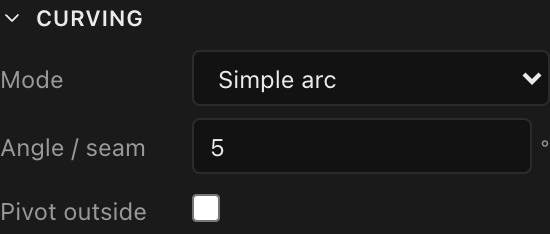
| Control | What it does | Default |
|---|---|---|
| Angle / seam | Degrees of bend at every column junction, positive or negative | 5° when enabling |
| Pivot outside | Rotate each column about its outer edge instead of the inner one. This flips which face of the wall holds its line | off |
Compound curves
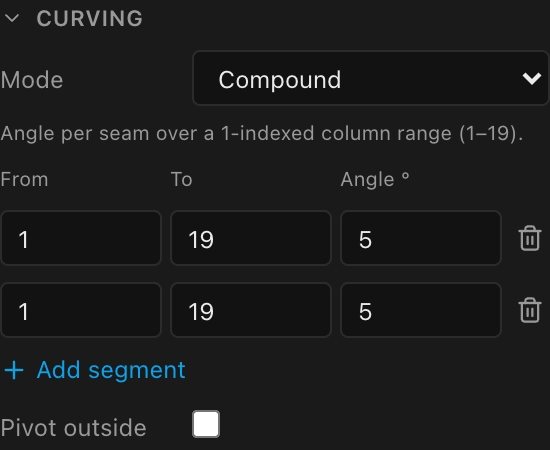
Compound mode is a table of segments: From column, To column, and the Angle applied to every seam inside that range. Columns are 1-indexed (the hint reminds you of the valid range, e.g. 1–19). Use + Add segment for another row and the trash icon to remove one.
- A new segment covers the full width at
5°; narrow it to the range you want. - Ranges can overlap: where they do, the later row wins for those seams.
- Columns not covered by any segment stay flat, so you can mix curved and flat sections freely.
- Pivot outside works here too.
Panel-type curve limits
Real LED tiles curve only so far, and only in steps. When the screen has a library panel type, every angle you commit is clamped to the product's published maximum concave/convex curve and snapped to its discrete curve increments, silently: the field simply shows the clamped value after you commit. Custom and untyped screens have no constraints.
If your angle "won't stick"
Type 12° and see 10° come back? That's the panel type's curve limit doing its job. Check the product's spec in the equipment library.
Details worth knowing
- Curving is horizontal only: columns bend around vertical seams; rows never bend.
- Curving combines with corner panels. A screen with a corner keeps its left end in place (curving included); a screen with curving only stays centred where you placed it.
- A half-panel column is half as wide, and the seams land at the real widths, so the arc stays true.
- A panel with Lock 3D keeps its stored position through curve changes and grid resizes; everything else re-derives live. See Panel locks.
- Curving changes the wall in 3D only; it never rearranges the 2D mapping. If you've cut the screen's video into slices and moved those pieces around the mapping/video workbench, curving leaves them exactly where you put them. And unlike grid size, half panels and panel type, curving stays editable on a sliced screen.
- Curves carry through to the side/top/iso elevation blocks and the Curving Plan sheet, a top-down walk of the wall whose title also states the wall's total turn. See Drawing blocks reference.